Annual Plan SavingsSave 50% with an annual plan
View plans
Nano Banana Pro
HomeHome
Nano Banana Series
Nano Banana 2.1
RECOMMENDED

Sharper visuals · Accurate text · Consistent subjects

Nano Banana Pro

Generate high-quality images from text descriptions

Nano Banana 2

Next-gen · Google Search · 14 Input Images

Nano Banana 2 Lite

Lightweight and fast version of Nano Banana 2

GPT Image Series
GPT Image 2.5
RECOMMENDED

Natural lighting · Rich textures · Fine detail

GPT Image 2

Photoreal quality, precise text, pixel-level editing

GPT Image 1.5

Latest GPT 5.2 powered image generation

Seedream SeriesRELAXED
Seedream 5 Pro
NEW

Rivals Nano Banana 2, precise editing with layer control

Seedream 5 Lite

Latest Seedream model, 4K quality, 8 aspect ratios

Seedream 4.0

4K support, relaxed content policy, batch generation

Qwen Image
Qwen Image 3.0

Complex layouts · Clear text rendering · Fine realism

Creative Tools
Image Enhancement

Enhance image resolution, refine details

E-commerce Image Suite

Upload a product image and generate a complete set for major marketplaces

Nano Banana Pro Combo

Generate multi-card grid sheets in one call

GPT Image 2 Combo

Multi-card grid sheets powered by GPT Image 2

Z-Image
Z-Image

Fast photorealistic generation with relaxed content policy

Seedance Series
Seedance 2.5
NEW

30-second 4K video generation with native audio and advanced controls

Seedance 2
HOT

Cinema-quality video with native audio, up to 15s, text & image to video

Seedance 2 Mini
HOT

High-value Seedance 2 with native audio, 4-15s, 720p/1080p

Seedance 1.5 Pro

Supports first/last frame, text-to-video/image-to-video modes, cost-effective

Kling Series
Kling 4.0
NEW

Keyframes and omni reference, up to 30 seconds with native audio

Kling 3
HOT

Cinematic 4K generation with native audio

Kling o3

Omni model with first/last-frame control

Kling 2.6

Cinematic quality with native audio generation

Wan Series
Wan 3.0
NEW

Standard and high-speed Prime in one workspace

Wan 2.7
HOT

Text, image, reference, and video edit modes

Wan 2.6

Relaxed content policy

Wan 2.5

Relaxed content policy with high creative freedom

Google Series
Gemini Omni

Multimodal input × native audio, cinematic-level controllable video

Veo 3.1

Supports first/last frame video, multi-image reference video generation

Grok Series
Grok Imagine 1.5

Image-to-video by xAI Grok, flexible aspect ratios, up to 15s

Grok

Faster generation, weaker prompt adherence, supports spicy mode

Hailuo AI Series
H3 Max / Turbo

A cost-efficient MiniMax H3 Max studio for text-to-video, image-to-video and reference-led creation with native audio.

MiniMax H3 (Hailuo 03)

Hailuo 03 with text, first/last frame, and multimodal reference video modes

Hailuo AI

MiniMax Hailuo video: text/image to video, excellent first/last frame effects

OmniHuman 1.5
OmniHuman 1.5

Single image and audio to digital human video

V2V Lip Sync

Sync an existing video mouth motion to target audio

AI Chat
AI Audio
NEW

Generate dialogue, ambience, sound effects, and background music

AI Music
NEW

Generate original songs with custom lyrics and styles

CreationsCreations
PricingPricing
Prompt Library

Explore and discover high-quality AI prompts

Nano Banana Prompt Examples

Explore high-quality prompt examples for Nano Banana Pro

GPT Image 2 Prompt Examples
NEW

Browse GPT Image 2 prompts for social posts, posters, and product visuals

Seedance 2.0 Video Prompt Examples

Browse curated Seedance 2.0 video prompt examples with videos, authors, publish dates, and engagement metrics.

Prompt Toolkit

Prompt building tools and guides

AI Image Prompt Builder
NEW

Easily build complex prompts through a visual interface

Seedance 2 Prompt Guide

Dive deep into advanced features and best practices

API
NEW

Integrate Nano Banana Pro capabilities into your applications

Nano Banana Pro
AI ImageAI Video

Nano Banana Pro

Nano Banana Pro is the revolutionary AI-powered image generation and editing platform that delivers consistent character editing and scene preservation with superior performance.

Email: support@nanobananapro.site

  • Email

Product

  • Home
  • Features
  • Showcases
  • Ecommerce
  • Pricing

Other Services

  • AI Image Upscaler
  • Grok
  • Veo 3.1
  • Wan 2.5
  • Kling 4.0

Other

  • Blog
  • About Us
  • Climate Action Plan

© 2026 bananapro.site. All rights reserved.

  • Privacy Policy
  • Terms of Service
  • Refund Policy
  • Referral Program
  • Invoice Management
🇺🇸 English🇨🇳 中文🇰🇷 한국어🇯🇵 日本語🇪🇸 Español🇩🇪 Deutsch🇫🇷 Français🇷🇺 Русский🇸🇦 العربية🇧🇷 Português🇮🇹 Italiano
PricingCreate
Back to GPT Image 2 prompts
HomeGPT Image 2 PromptsMinecraft Family Compass UI
Game AssetApp / Web Design3D RenderPixel ArtDiagram / ChartText / TypographyAbstract / Background

Minecraft Family Compass UI

Minecraft Family Compass UI preview image 1

A Bedrock-style Minecraft screenshot mockup featuring a custom teleport menu and handheld compass, ideal for showcasing a game mod, add-on, or kid-friendly navigation tool.

Published April 26, 2026Original language: EN

Prompt

Full prompt text, ready to copy or adapt.

A clean in-game screenshot mockup in the visual style of Minecraft Bedrock Edition, showing a custom teleport menu overlay titled Family Compass. The background is a bright outdoor Minecraft scene with blocky grass in the foreground, a line of leafy trees in the middle distance, and a pale blue sky with rectangular clouds. On the left side, a large Bedrock-style UI window dominates the frame, with a light gray panel, darker gray border, and a small close X in the top-right corner. Centered at the top of the window is the title text. Inside the panel, a dark header bar asks Where should we go?. Below it are exactly 4 large horizontal rectangular buttons stacked vertically with even spacing. The first button is highlighted bright green with white pixel-style text reading Teleport to Player. The next 3 buttons are light gray with medium gray pixel-style text reading, in order, "Saved Locations", "Add Current Location", and "Remove Saved Location". In the lower-right foreground, partially cropped and held as if by the player, is an oversized pixel-art compass item with a tan face, gold rim, and a red needle angled diagonally downward, rendered in chunky Minecraft item icon style. Use authentic Minecraft Bedrock UI proportions, pixelated font, crisp blocky edges, soft in-game lighting, and a polished game-screenshot composition with the menu as the main focus.

Creator

S

Stephen Day | Google AI, Agents & Vibe Coding

Details

Published
April 26, 2026
Language
EN
Model
GPT Image 2
Game AssetApp / Web Design3D RenderPixel ArtDiagram / ChartText / TypographyAbstract / Background

Engagement

Likes
13
Views
93
Shares
0
Comments
0
Bookmarks
19
Quotes
0

Prompt actions

More from GPT Image 2

Related prompts from the same model and categories.

Explore all prompts
Pixel Art Game Development Roadmap preview image 1

By 金のニワトリ

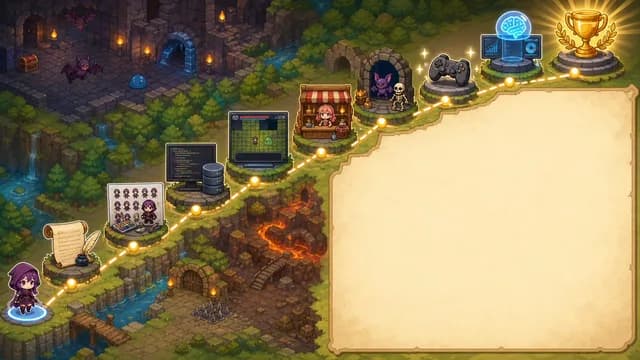
Pixel Art Game Development Roadmap

Game Asset · App / Web Design · Pixel Art · Isometric

333.2k
Y2K Tamagotchi LCD Filter preview image 1

By 루피노드 🐰💕

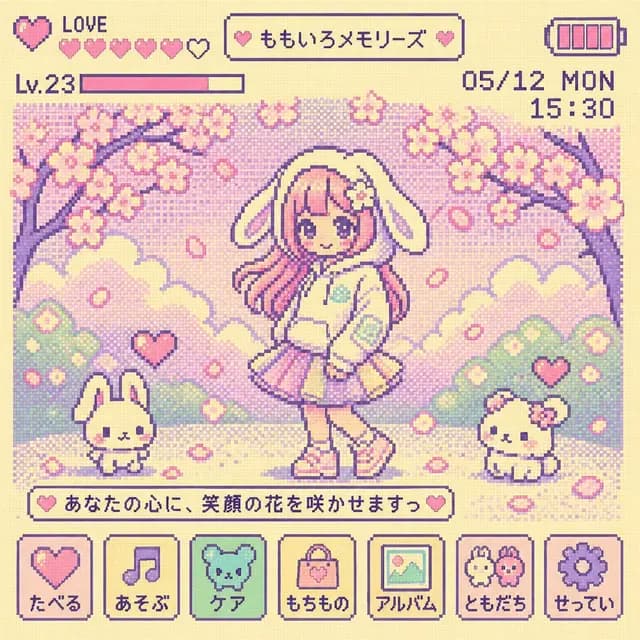
Y2K Tamagotchi LCD Filter

Game Asset · App / Web Design · Pixel Art · Retro / Vintage
351k
Next-Gen Mobile App UI Showcase preview image 1

By SaCoZi

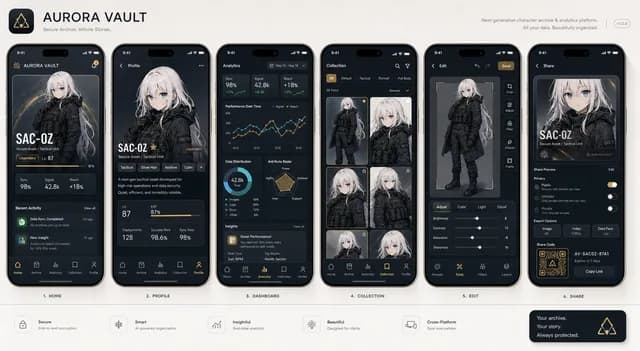
Next-Gen Mobile App UI Showcase

App / Web Design · Product Marketing · 3D Render · Minimalism
17149
Light Mode UI Design System Board preview image 1

By cheaty

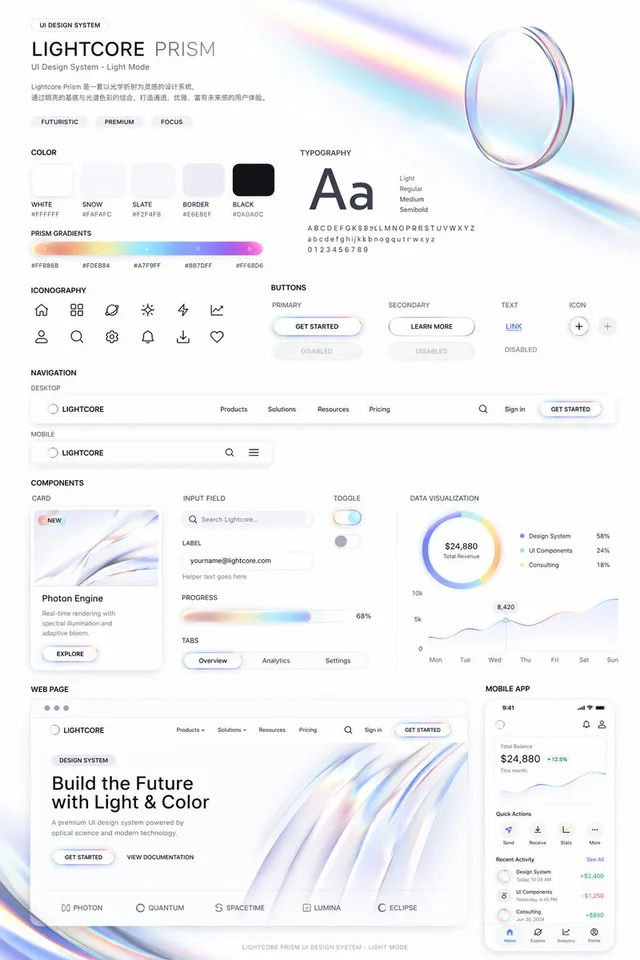
Light Mode UI Design System Board

App / Web Design · Minimalism · 3D Render · Abstract / Background
7562
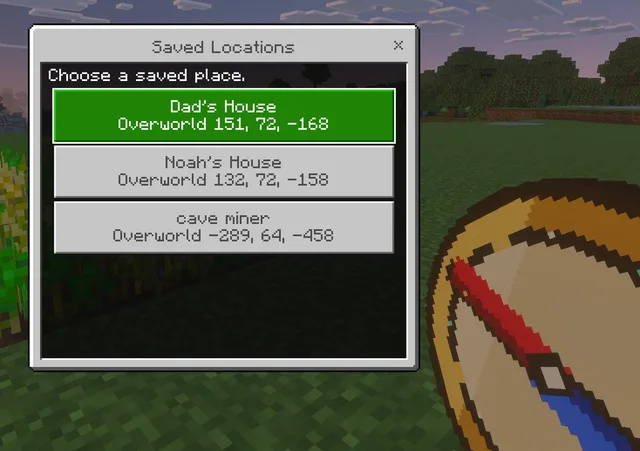
Minecraft Saved Locations UI Mockup preview image 1

By Stephen Day | Google AI, Agents & Vibe Coding

Minecraft Saved Locations UI Mockup

Game Asset · App / Web Design · Pixel Art · Minimalism
1596
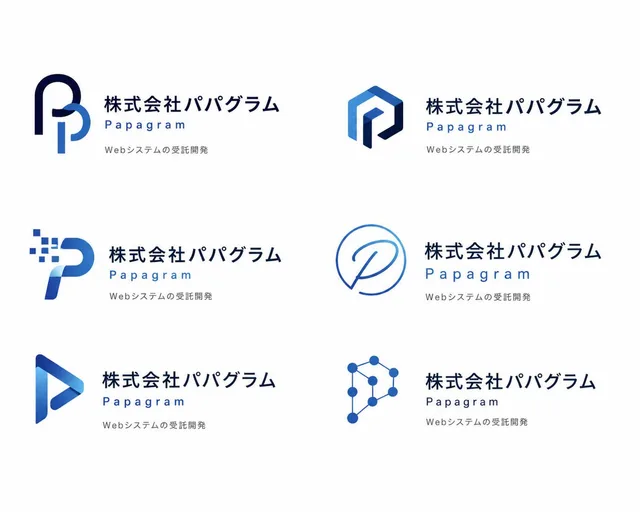
Modern Corporate Logo Concept Grid preview image 1

By 宮田しんや| Web開発 × AI

Modern Corporate Logo Concept Grid

App / Web Design · Product Marketing · Minimalism · 3D Render

468