Annual Plan SavingsSave 50% with an annual plan
View plans
Nano Banana Pro
HomeHome
Nano Banana Series
Nano Banana 2.1
RECOMMENDED

Sharper visuals · Accurate text · Consistent subjects

Nano Banana Pro

Generate high-quality images from text descriptions

Nano Banana 2

Next-gen · Google Search · 14 Input Images

Nano Banana 2 Lite

Lightweight and fast version of Nano Banana 2

GPT Image Series
GPT Image 2.5
RECOMMENDED

Natural lighting · Rich textures · Fine detail

GPT Image 2

Photoreal quality, precise text, pixel-level editing

GPT Image 1.5

Latest GPT 5.2 powered image generation

Seedream SeriesRELAXED
Seedream 5 Pro
NEW

Rivals Nano Banana 2, precise editing with layer control

Seedream 5 Lite

Latest Seedream model, 4K quality, 8 aspect ratios

Seedream 4.0

4K support, relaxed content policy, batch generation

Qwen Image
Qwen Image 3.0

Complex layouts · Clear text rendering · Fine realism

Creative Tools
Image Enhancement

Enhance image resolution, refine details

E-commerce Image Suite

Upload a product image and generate a complete set for major marketplaces

Nano Banana Pro Combo

Generate multi-card grid sheets in one call

GPT Image 2 Combo

Multi-card grid sheets powered by GPT Image 2

Z-Image
Z-Image

Fast photorealistic generation with relaxed content policy

Seedance Series
Seedance 2.5
NEW

30-second 4K video generation with native audio and advanced controls

Seedance 2
HOT

Cinema-quality video with native audio, up to 15s, text & image to video

Seedance 2 Mini
HOT

High-value Seedance 2 with native audio, 4-15s, 720p/1080p

Seedance 1.5 Pro

Supports first/last frame, text-to-video/image-to-video modes, cost-effective

Kling Series
Kling 4.0
NEW

Keyframes and omni reference, up to 30 seconds with native audio

Kling 3
HOT

Cinematic 4K generation with native audio

Kling o3

Omni model with first/last-frame control

Kling 2.6

Cinematic quality with native audio generation

Wan Series
Wan 3.0
NEW

Standard and high-speed Prime in one workspace

Wan 2.7
HOT

Text, image, reference, and video edit modes

Wan 2.6

Relaxed content policy

Wan 2.5

Relaxed content policy with high creative freedom

Google Series
Gemini Omni

Multimodal input × native audio, cinematic-level controllable video

Veo 3.1

Supports first/last frame video, multi-image reference video generation

Grok Series
Grok Imagine 1.5

Image-to-video by xAI Grok, flexible aspect ratios, up to 15s

Grok

Faster generation, weaker prompt adherence, supports spicy mode

Hailuo AI Series
H3 Max / Turbo

A cost-efficient MiniMax H3 Max studio for text-to-video, image-to-video and reference-led creation with native audio.

MiniMax H3 (Hailuo 03)

Hailuo 03 with text, first/last frame, and multimodal reference video modes

Hailuo AI

MiniMax Hailuo video: text/image to video, excellent first/last frame effects

OmniHuman 1.5
OmniHuman 1.5

Single image and audio to digital human video

V2V Lip Sync

Sync an existing video mouth motion to target audio

AI Chat
AI Audio
NEW

Generate dialogue, ambience, sound effects, and background music

AI Music
NEW

Generate original songs with custom lyrics and styles

CreationsCreations
PricingPricing
Prompt Library

Explore and discover high-quality AI prompts

Nano Banana Prompt Examples

Explore high-quality prompt examples for Nano Banana Pro

GPT Image 2 Prompt Examples
NEW

Browse GPT Image 2 prompts for social posts, posters, and product visuals

Seedance 2.0 Video Prompt Examples

Browse curated Seedance 2.0 video prompt examples with videos, authors, publish dates, and engagement metrics.

Prompt Toolkit

Prompt building tools and guides

AI Image Prompt Builder
NEW

Easily build complex prompts through a visual interface

Seedance 2 Prompt Guide

Dive deep into advanced features and best practices

API
NEW

Integrate Nano Banana Pro capabilities into your applications

Nano Banana Pro
AI ImageAI Video

Nano Banana Pro

Nano Banana Pro is the revolutionary AI-powered image generation and editing platform that delivers consistent character editing and scene preservation with superior performance.

Email: support@nanobananapro.site

  • Email

Product

  • Home
  • Features
  • Showcases
  • Ecommerce
  • Pricing

Other Services

  • AI Image Upscaler
  • Grok
  • Veo 3.1
  • Wan 2.5
  • Kling 4.0

Other

  • Blog
  • About Us
  • Climate Action Plan

© 2026 bananapro.site. All rights reserved.

  • Privacy Policy
  • Terms of Service
  • Refund Policy
  • Referral Program
  • Invoice Management
🇺🇸 English🇨🇳 中文🇰🇷 한국어🇯🇵 日本語🇪🇸 Español🇩🇪 Deutsch🇫🇷 Français🇷🇺 Русский🇸🇦 العربية🇧🇷 Português🇮🇹 Italiano
PricingCreate
Back to GPT Image 2 prompts
HomeGPT Image 2 PromptsChinese Portrait Photography Book Page
Infographic / Edu VisualPhotographyMinimalismText / TypographyDiagram / Chart

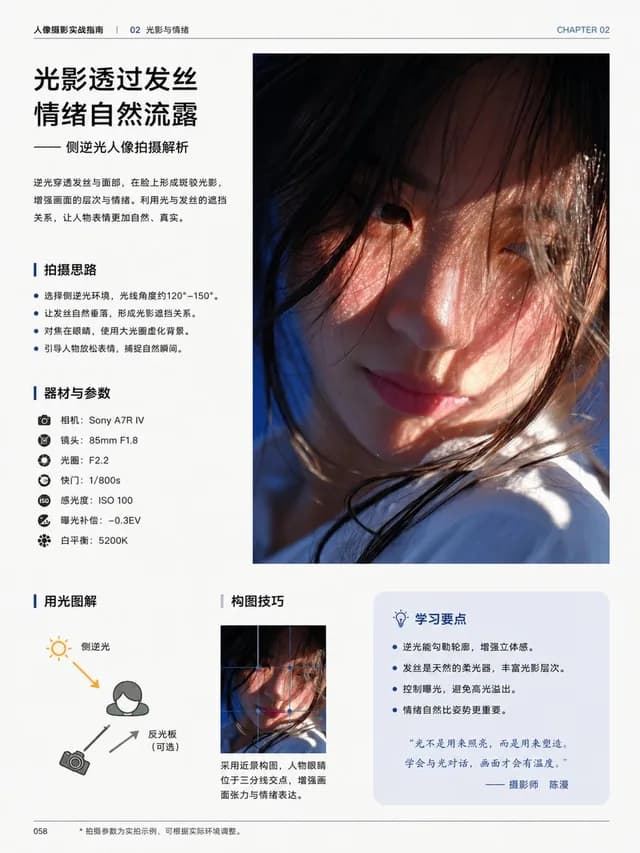
Chinese Portrait Photography Book Page

Chinese Portrait Photography Book Page preview image 1

A polished Chinese editorial book layout for a photography guide, ideal for generating premium tutorial pages with portrait imagery, diagrams, and structured text.

Published April 29, 2026Original language: EN

Prompt

Full prompt text, ready to copy or adapt.

Create a clean, premium Chinese editorial book page for a photography tutorial, portrait orientation, minimalist magazine-style layout on an off-white paper background with generous margins and refined typography. The page is a single spread-like design with 5 clearly separated content blocks: a top header, a left text column, one large main portrait on the right, a bottom-left lighting diagram, and a bottom-right area containing 2 thumbnail examples plus 1 tip box. In the top header, place small Chinese text reading "人像摄影实战指南 | Chapter 04 光线与影响的运用". On the upper left, make a large chapter number in muted olive green reading "04-2", followed by a bold black Chinese title split across multiple lines: "自然光下的\n柔美人像". Below it, add a smaller olive-green subtitle: "利用花影与漫射光\n营造温柔氛围". Under the subtitle, include a short Chinese paragraph in black body text describing how natural surroundings and flowers or tree shadows can soften sunlight and create a clean, gentle, atmospheric portrait. Below that, create a section titled "● 拍摄要点" in olive green, followed by 3 numbered tips in Chinese body text: 1 "光线方向" with a sentence about choosing top or upper-side natural light and using floral shadows to soften facial contours; 2 "前景与氛围" with a sentence about using large soft foreground flowers to frame the scene and add depth; 3 "表情与情绪" with a sentence about guiding the model to keep a natural, calm expression and relaxed gaze. On the right side, place one large vertical portrait photo occupying the upper-right half of the page: a soft, airy close portrait of a young East Asian woman with long straight black hair, wearing a pale blush pink top and a delicate necklace, surrounded by abundant white hydrangea-like blossoms in the foreground and overhead, lit by diffused natural daylight with floral shadows and a gentle romantic mood, shallow depth of field, elegant editorial photography. Beneath the main photo, add a single line of small technical camera settings text in Chinese: "● 焦距:85mm   光圈:f/2.8   快门:1/640s   ISO:100   白平衡:自动". In the bottom-left block, place a rounded-corner box containing a simple black-and-white hand-drawn lighting diagram with the title "● 布光示意图". Inside the diagram show 3 elements: a small sun icon at upper left, a camera icon at lower left, and a rear-view sketch of a standing woman centered, with dotted directional lines from the sun and labels in Chinese explaining that natural light from above front is softened by flowers into dappled diffused light, with flowers used as foreground and medium telephoto compression for a virtualized scene. In the bottom-right area, add a section title "● 更多尝试" in olive green above 2 small vertical thumbnail portraits of the same woman among white flowers. Give each thumbnail a short Chinese caption: left "侧光拍摄,光影层次更强", right "逆光拍摄,增加通透感". To the far right of the thumbnails, place a rounded rectangular tip box with the title "✦ 小贴士" and a short Chinese note advising to avoid direct harsh midday light and prefer soft light in the morning or late afternoon for a gentler image. Add a small page number "086" at the bottom left. Use elegant Chinese book typography, muted olive green accents, black body text, subtle gray divider lines, high-end publishing design, balanced whitespace, realistic print layout, and polished professional book typesetting.

Creator

骑

骑司Chase

Details

Published
April 29, 2026
Language
EN
Model
GPT Image 2
Infographic / Edu VisualPhotographyMinimalismText / TypographyDiagram / Chart

Engagement

Likes
251
Views
23.4k
Shares
12
Comments
4
Bookmarks
199
Quotes
4

Prompt actions

More from GPT Image 2

Related prompts from the same model and categories.

Explore all prompts
Photorealistic Chinese Math Exam Paper preview image 1

By 秋风_irwin

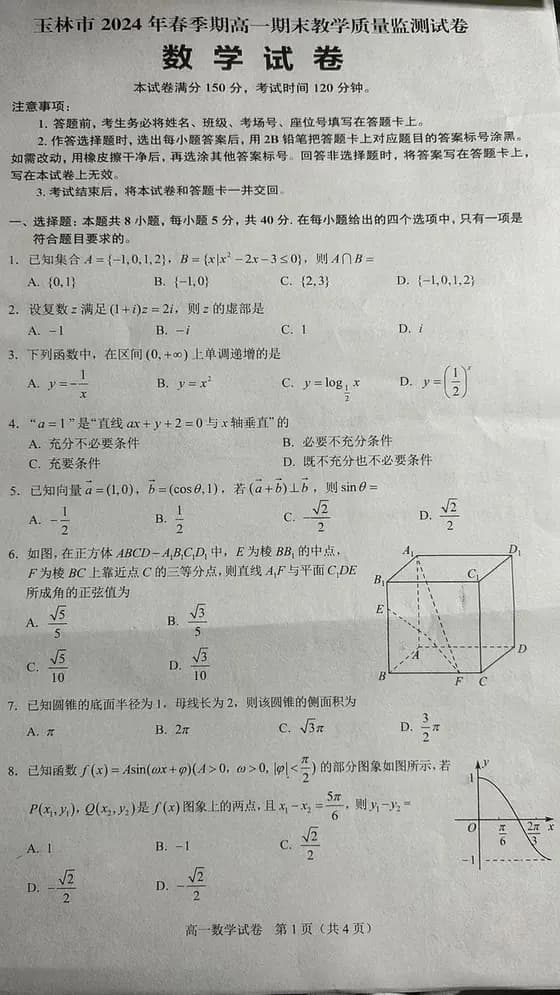
Photorealistic Chinese Math Exam Paper

Infographic / Edu Visual · Photography · Minimalism · Diagram / Chart

624146.9k
Chinese Photography Tutorial Book Page preview image 1

By 骑司Chase

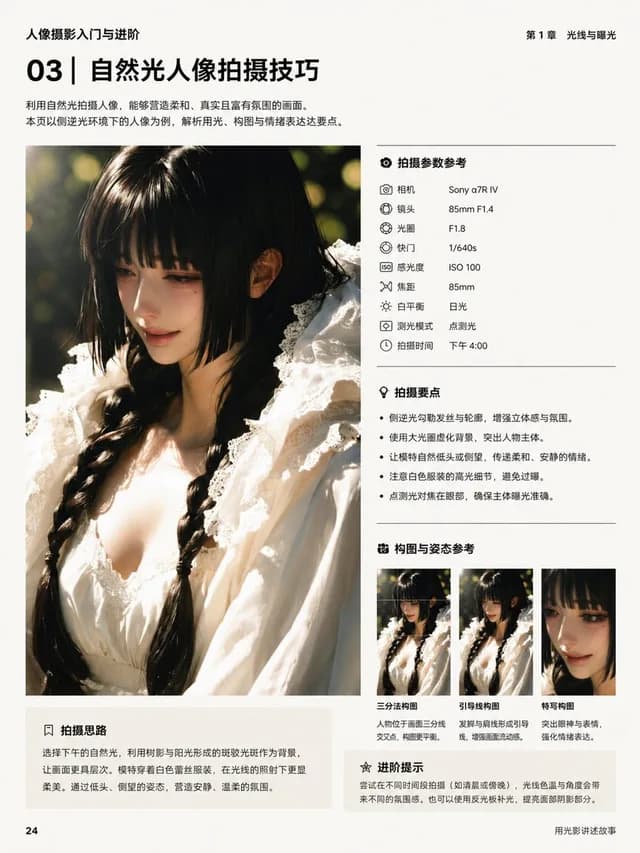
Chinese Photography Tutorial Book Page

Infographic / Edu Visual · Photography · Minimalism · Text / Typography
25323.4k
Chinese Photography Book Layout preview image 1

By 骑司Chase

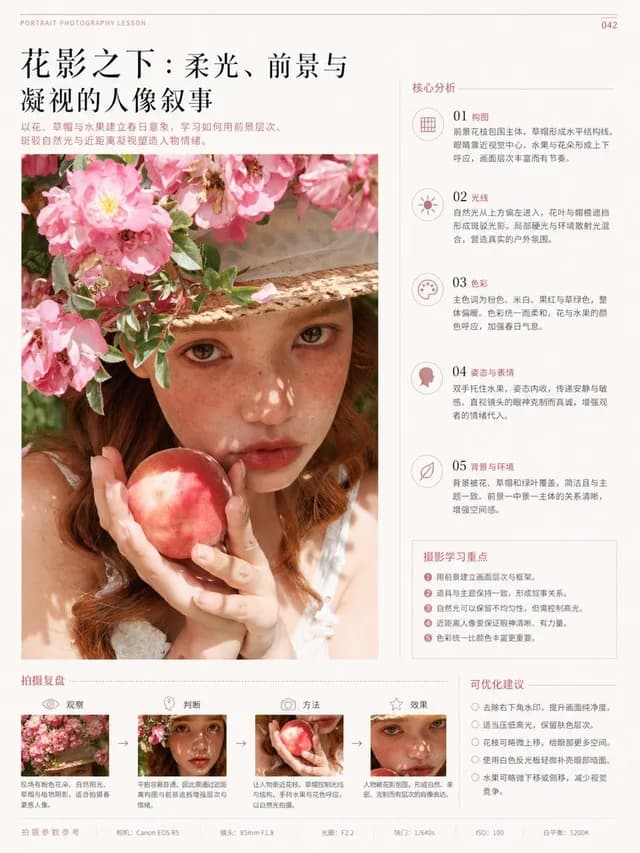
Chinese Photography Book Layout

Infographic / Edu Visual · Photography · Minimalism · Text / Typography
26123.4k
Chinese Editorial Photography Lesson Page preview image 1

By 骑司Chase

Chinese Editorial Photography Lesson Page

Infographic / Edu Visual · Photography · Minimalism · Text / Typography
24523.4k
16-Panel Yoga Instructional Storyboard preview image 1

By Synthia

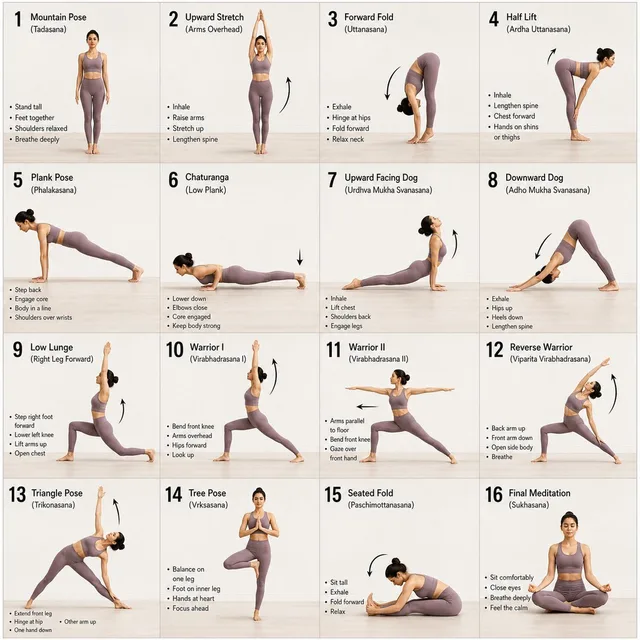
16-Panel Yoga Instructional Storyboard

Infographic / Edu Visual · Comic / Storyboard · Photography · Minimalism
24712.2k
Dark Winter Color Analysis Tweet preview image 1

By swyx 🇸🇬

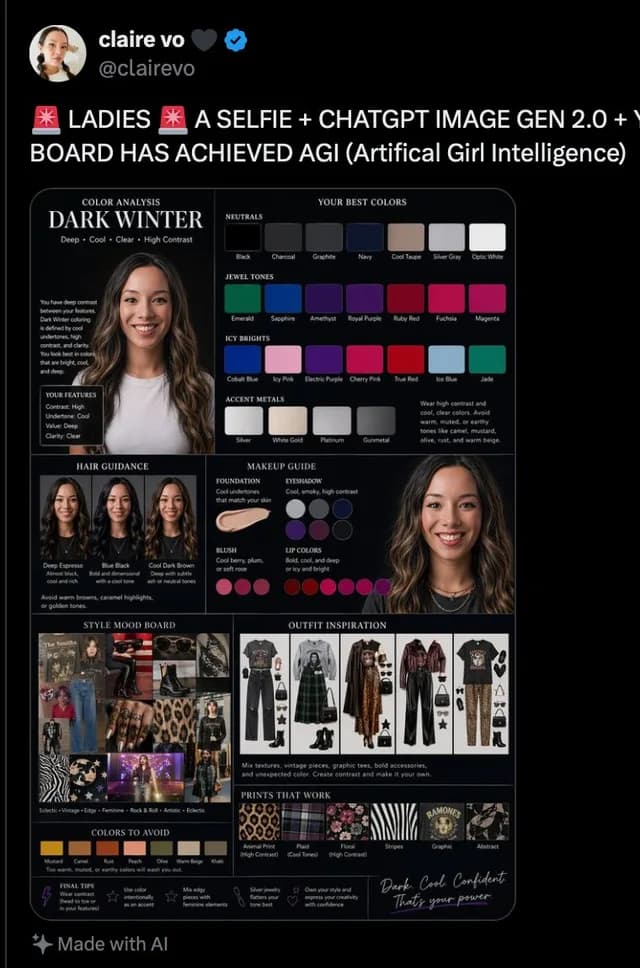
Dark Winter Color Analysis Tweet

Social Media Post · Infographic / Edu Visual · Photography · Minimalism

13420.8k